Virtual house tours, without the 3D camera
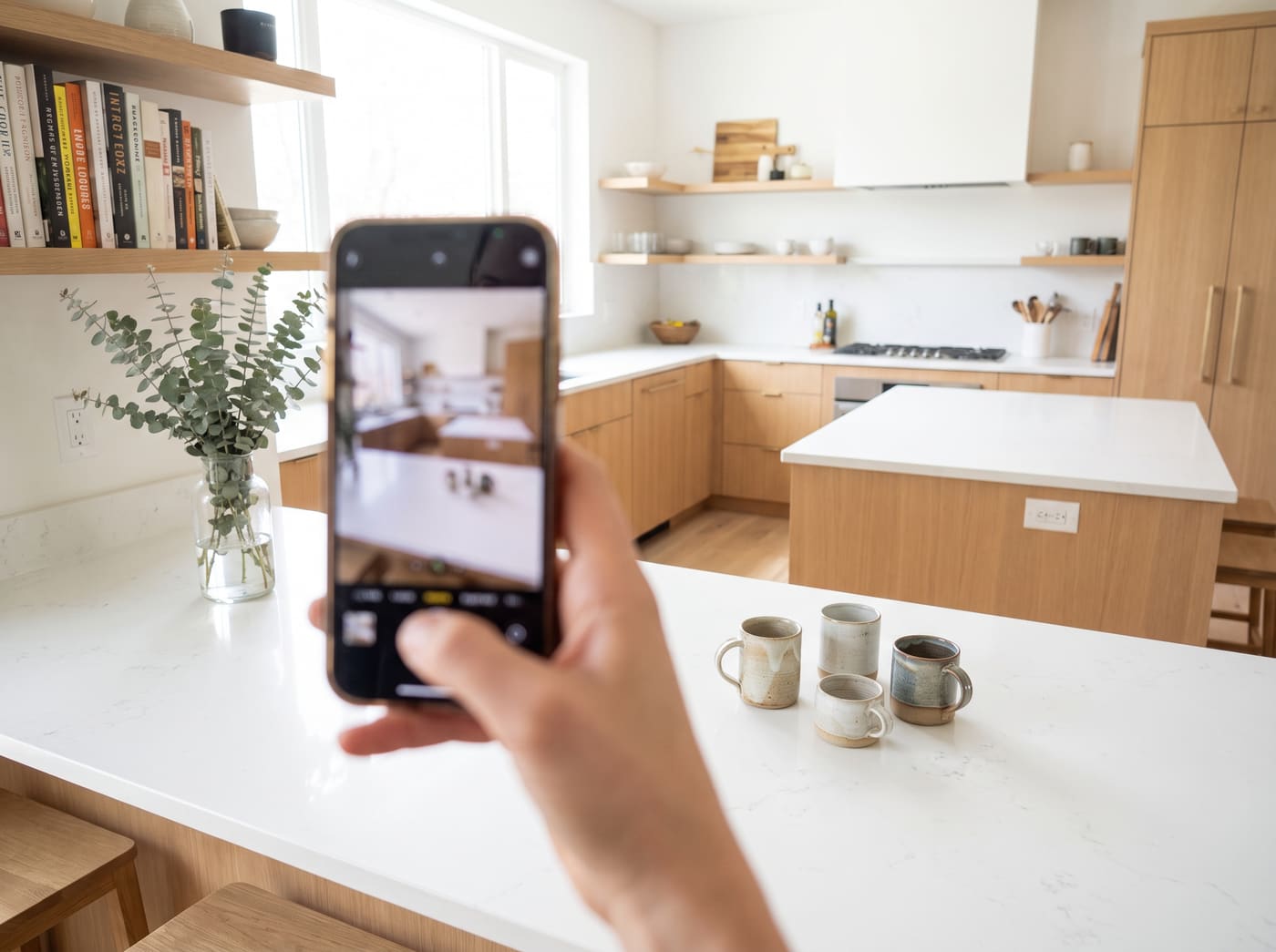
HouseTourEasy turns ordinary phone photos into an interactive, clickable walkthrough of a property. No Matterport scanner, no scanning fee, no special hardware — just a phone and a few minutes room by room.
How it works
Three steps turn a walk through the house into a tour anyone can click through online.
 1
1
Capture
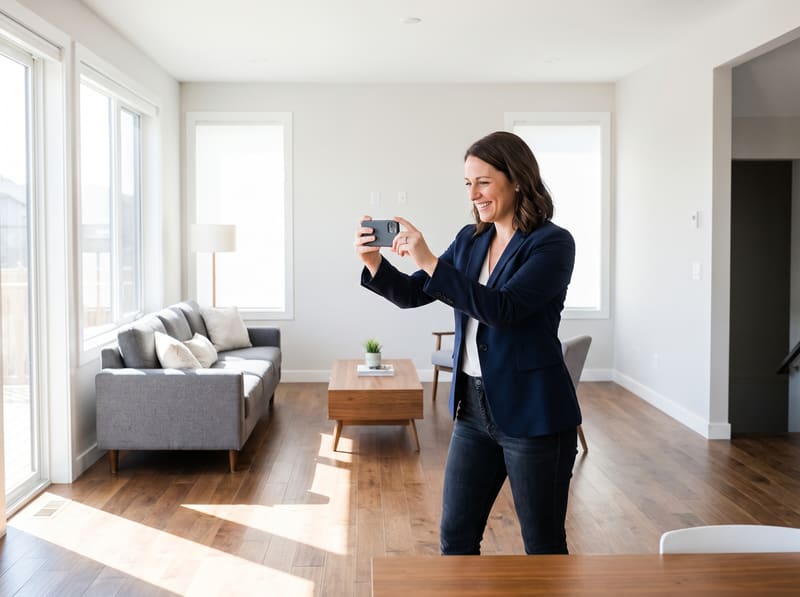
Walk through the property taking a photo in each spot — the entryway, hallway, kitchen, each bedroom.
 2
2
Connect
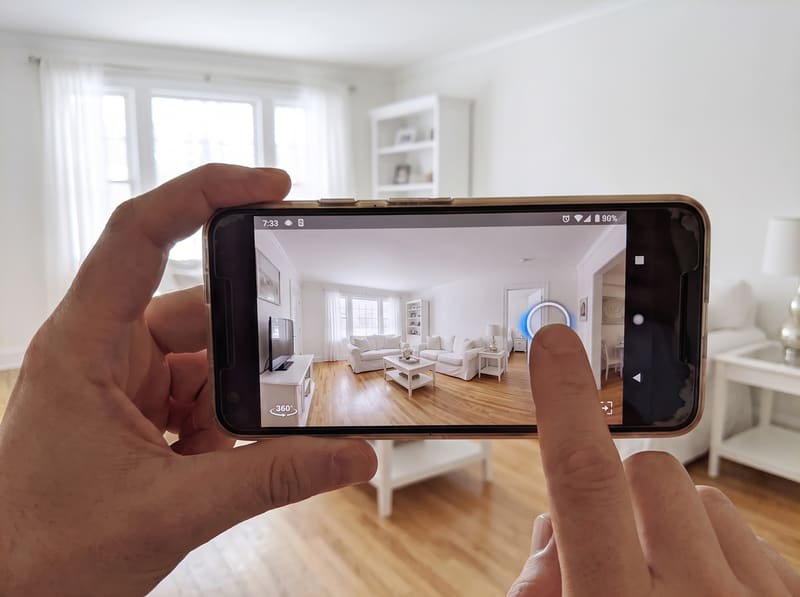
Tap a point on each photo to link it to the next one, building a branching path that mirrors how you'd actually walk the space.
 3
3
Share
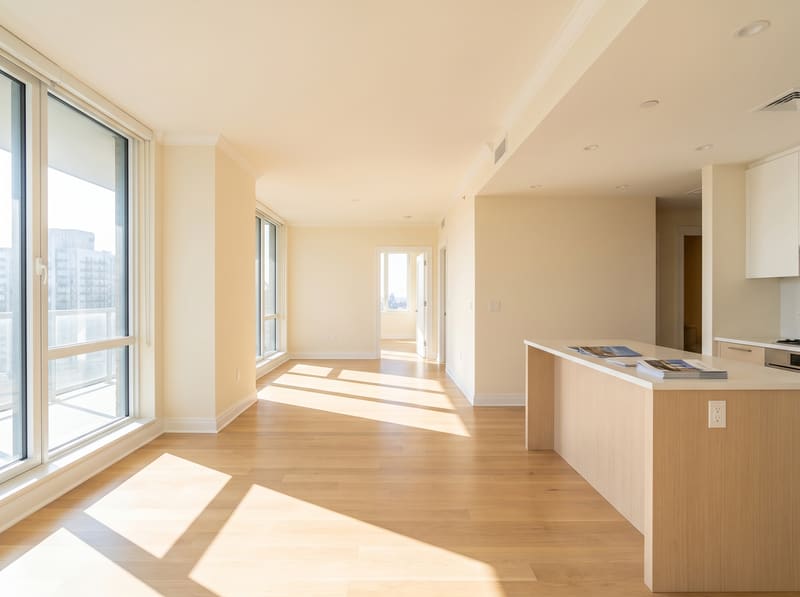
Publish the tour and get a single link. Anyone can open it in a browser and click their way through the property — no app install needed to view it.
Who it's for
Anyone who needs to show a property online without the cost of a professional 3D scan.
Homeowners
Give buyers a real feel for the layout before they ever schedule a showing.
Real estate agents
Add an interactive tour to a listing without booking a separate scanning service.
Property managers
Showcase vacant units to prospective tenants without an in-person visit.
Short-term rental hosts
Let guests explore the space in detail before they book.
Frequently asked questions
What is HouseTourEasy?
A mobile app for creating interactive, clickable virtual tours of a house or apartment using nothing but regular phone photos. Instead of a 3D scan, you take photos room by room and tap points on each photo to link it to the next, building a branching tour someone can click through online.
Do I need a 3D camera or scanning equipment?
No. HouseTourEasy only needs a smartphone camera. There's no Matterport-style scanner, no special lens, and no scanning fee.
How does the tour navigation work?
Each photo can have one or more hotspots — tappable points that jump to another photo. Standing in a hallway, for example, you might place hotspots pointing to the kitchen, the living room, and a bathroom, so a viewer can choose which way to go, just like walking through the house in person.
How is a finished tour shared?
Publishing a tour generates a single link. Anyone with the link can open it in a web browser on desktop or mobile and click through the property — no app install required to view a tour.
Is HouseTourEasy available now?
HouseTourEasy is currently in active development. The web viewer that renders published tours is already live.